
DrillingMetrics
DrillingMetrics · Drilling intelligence platform
See the operation.
Understand the performance.
Connect live drilling data, offset history, and engineering models in one operational view. DrillingMetrics helps field and office teams investigate changes, compare performance, and bring clearer evidence to the next decision.
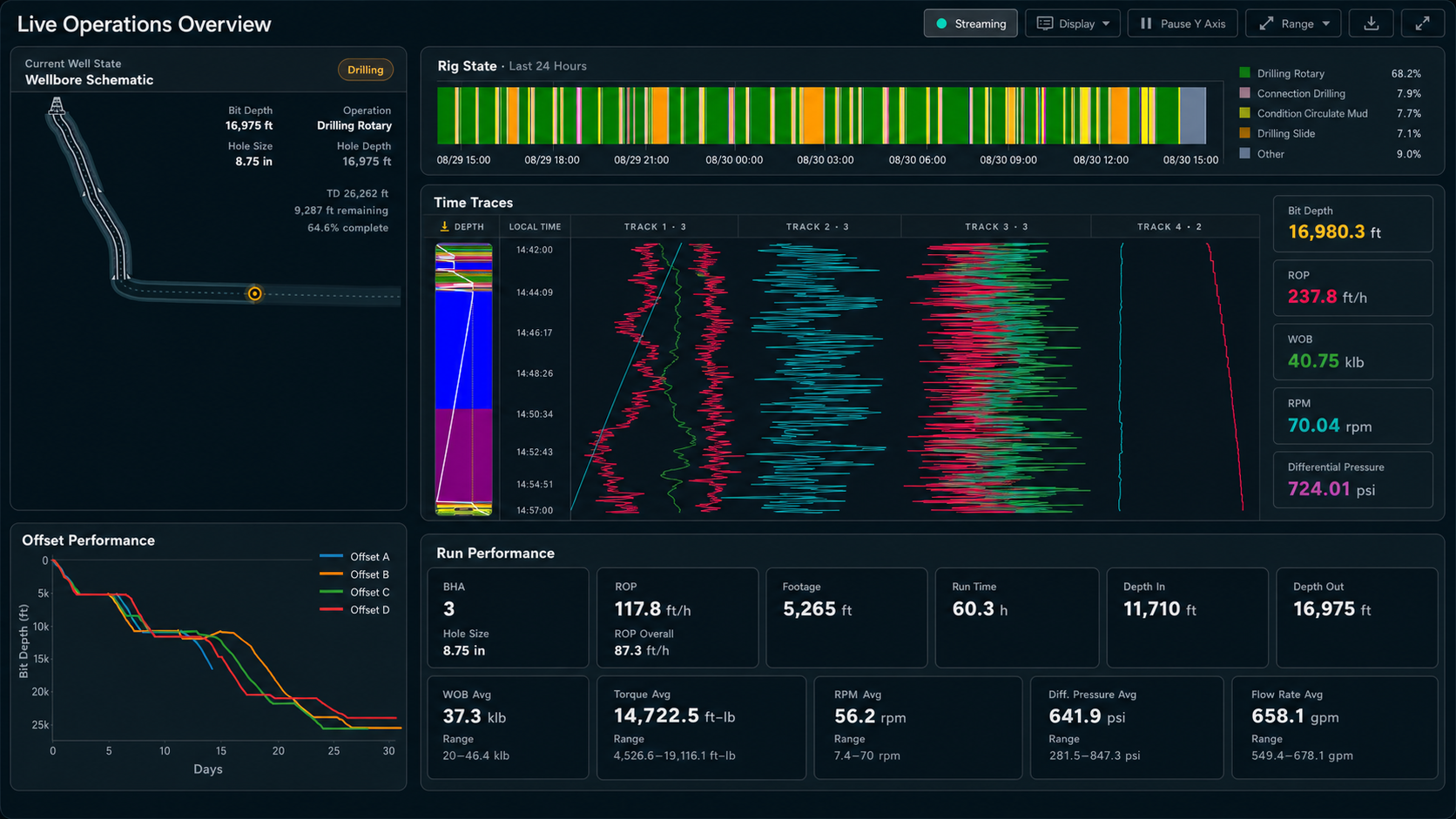
From rig data to engineering insight
Three ways to put your drilling data to work.
Monitor the current well
Follow current activity, depth, rig states, and performance. Review time traces and detected events with the operating context needed to interpret them.
Learn from relevant offsets
Compare wells, sections, and BHA runs using consistent depth and drilling-state definitions. Carry lessons from completed wells into active operations.
Compare actual with expected
Place field measurements beside engineering models. Use changes in mechanical response to focus investigation and support engineering review.
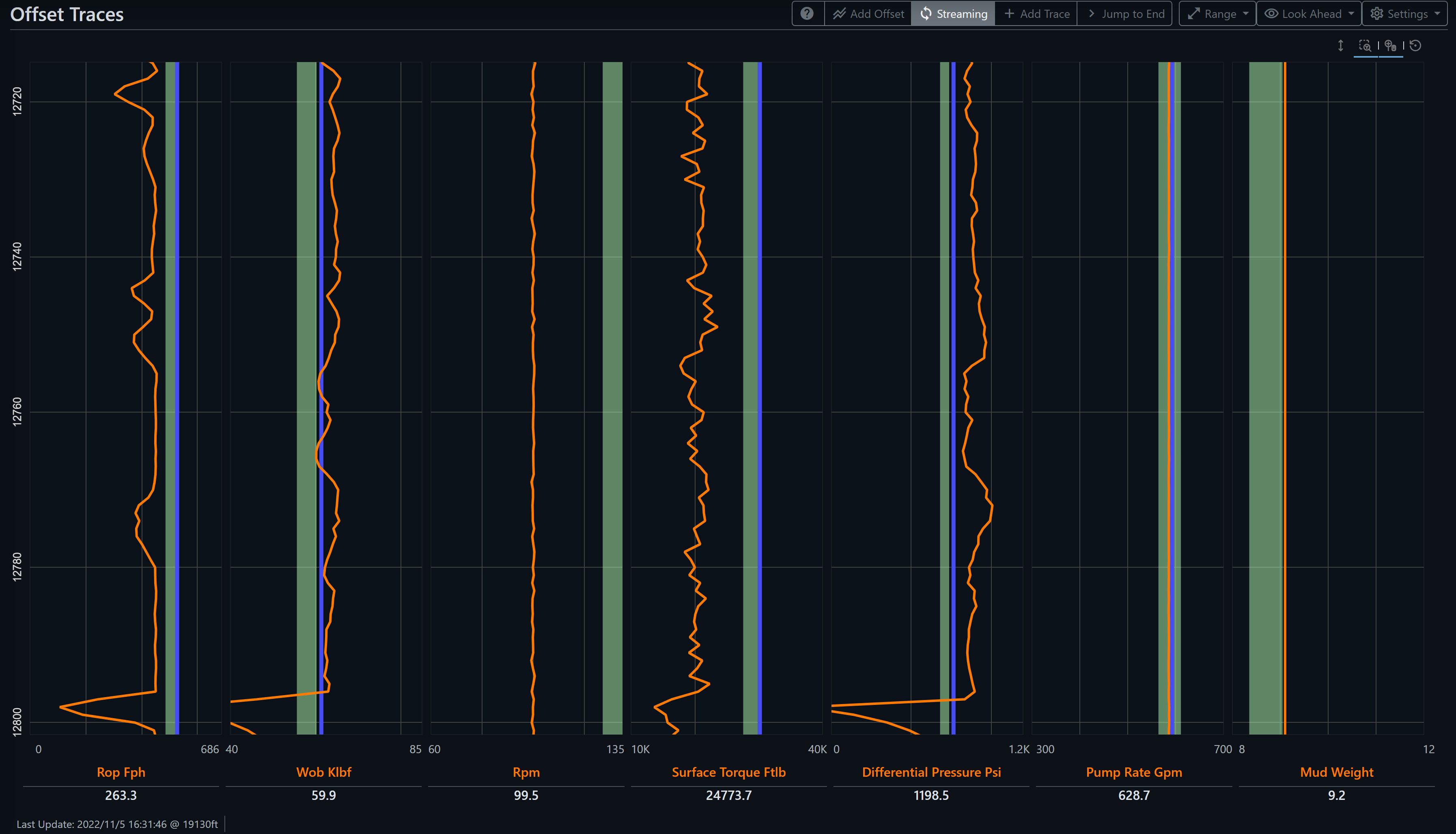
Performance & offsets
Make comparisons that reflect the interval.
A whole-well average can hide the details that matter. DrillingMetrics aligns relevant footage by depth and preserves the section, BHA, and operating context behind the comparison.
- Compare operating parameters and performance across selected wells.
- Separate drilling intervals from off-bottom activity.
- Build baselines for live monitoring and post-well review.
Engineering models
Keep physics beside the field response.
Compare measured pickup, slack-off, and torque with torque-and-drag models as the well progresses. Review deviations with the model inputs and operating state that produced them.
- Track hook-load and torque response by depth.
- Review BHA critical-speed models alongside field RPM.
- Use modeled response as a reference for investigation.
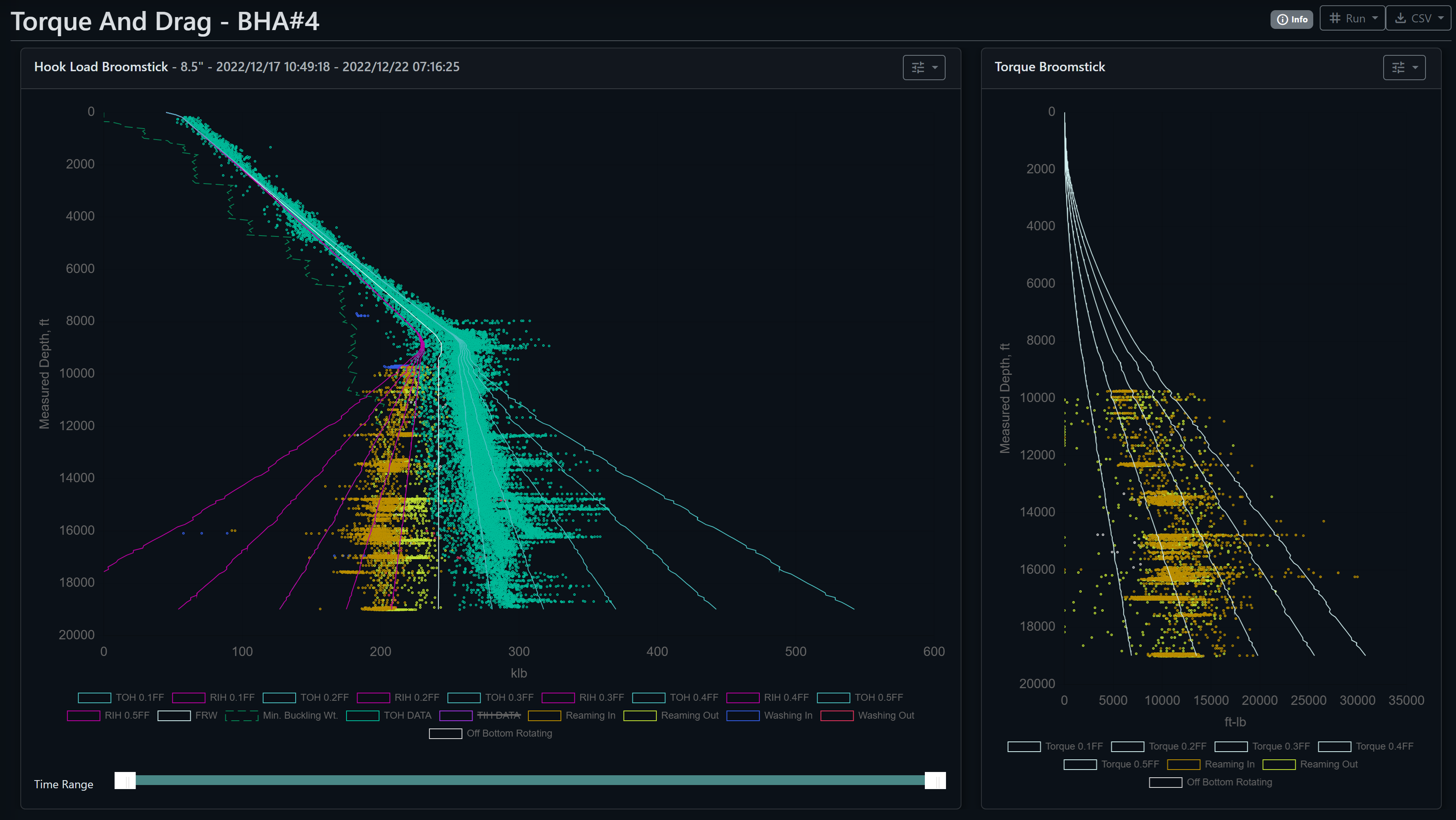
Screenshots illustrate product workflows. Model deviations and detected events support investigation; they do not establish a diagnosis or replace well-specific limits and field judgment.
Software + practical drilling experience
Connect the analysis to the operation.
Explore DrillingMetrics with 360 Drilling Consultants. Start with the operational question, review the available data, and focus the demonstration on the workflows relevant to your team.
Choose the question
Identify the well, interval, or recurring performance issue you want to understand.
Review the data
Discuss live WITSML streams or historical data, with surveys, BHA records, and reports where available.
Explore the workflow
Review dashboards, comparisons, and models with the engineering context needed to act on the findings.
Beyond the core dashboard
More context when you need it.
Directional analysis
Review trajectory, tortuosity, and BHA build-and-walk tendencies in formation and operating context.
AIDE & AI workflows
Use authorized DrillingMetrics tools through compatible AI clients to retrieve KPIs, comparisons, and supporting dashboard links.
Engineering in practice
Read how a sustained difference between actual and modeled pump pressure helped investigate a drill-string washout.
See DrillingMetrics in action
Bring your drilling question.
Tell us what you want to monitor, compare, or investigate. We’ll discuss the relevant data and arrange a product walkthrough.